
After completing this lesson, you'll be able to:
In this lesson, you will:
After completing this lesson, you'll be able to:
In this lesson, you will:
If you're taking a live Safe Software-hosted training course or using an on-demand lab for this course, we've already imported the content for this lesson into your FME Flow.
If you're completing this lesson with your own FME Flow, you must import the starting project with the content into your FME Flow.
See FME Flow Authoring: Instructions to Import the Starting Project for directions to import the project to your own FME Flow.
When you publish a workspace to FME Flow, the publishing wizard prompts you to register your workspace with a service. Then you must select a service to use when your workspace runs on FME Flow. For a workspace to run on FME Flow, you must register it with one of the FME Flow services; otherwise, the FME Engine will not know how to carry out your translation.
The most common services are Job Submitter, Data Download, and Data Streaming, all of which are transformation services. Transformation services control how FME transforms and presents your output data when you run your workspace on FME Flow.
To change the services a workspace is registered with, you may publish the workspace from FME Form to FME Flow again or edit the services from the repository in Workspaces. For training on editing a workspace's registered services, see Deploy Workspaces on FME Flow or our documentation on Transformation Services.
The Job Submitter transformation service is most similar to running your workspaces on FME Workbench. The FME Engines execute the translation and write the data to the locations specified in the workspace's writers. When the translation is complete, FME Flow displays a status and the number of features written.

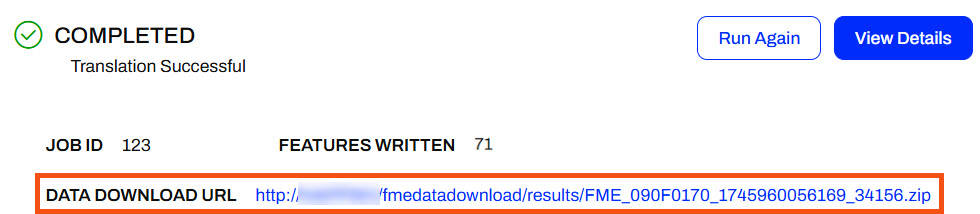
FME Flow's Data Download service packages the output data into a zipped folder and presents it to the user running the workspace as a downloadable URL. You click the URL link, and the zipped file downloads. From there, you extract the folder and access the data. If you register a writer with the Data Download service, it will not write the data to the location specified in the writer; instead, it will package the data into a zipped file by default. It is possible to configure your workspace writers to write the data and also package it into a zip folder, with duplicate writers and only one included in the Data Download service.
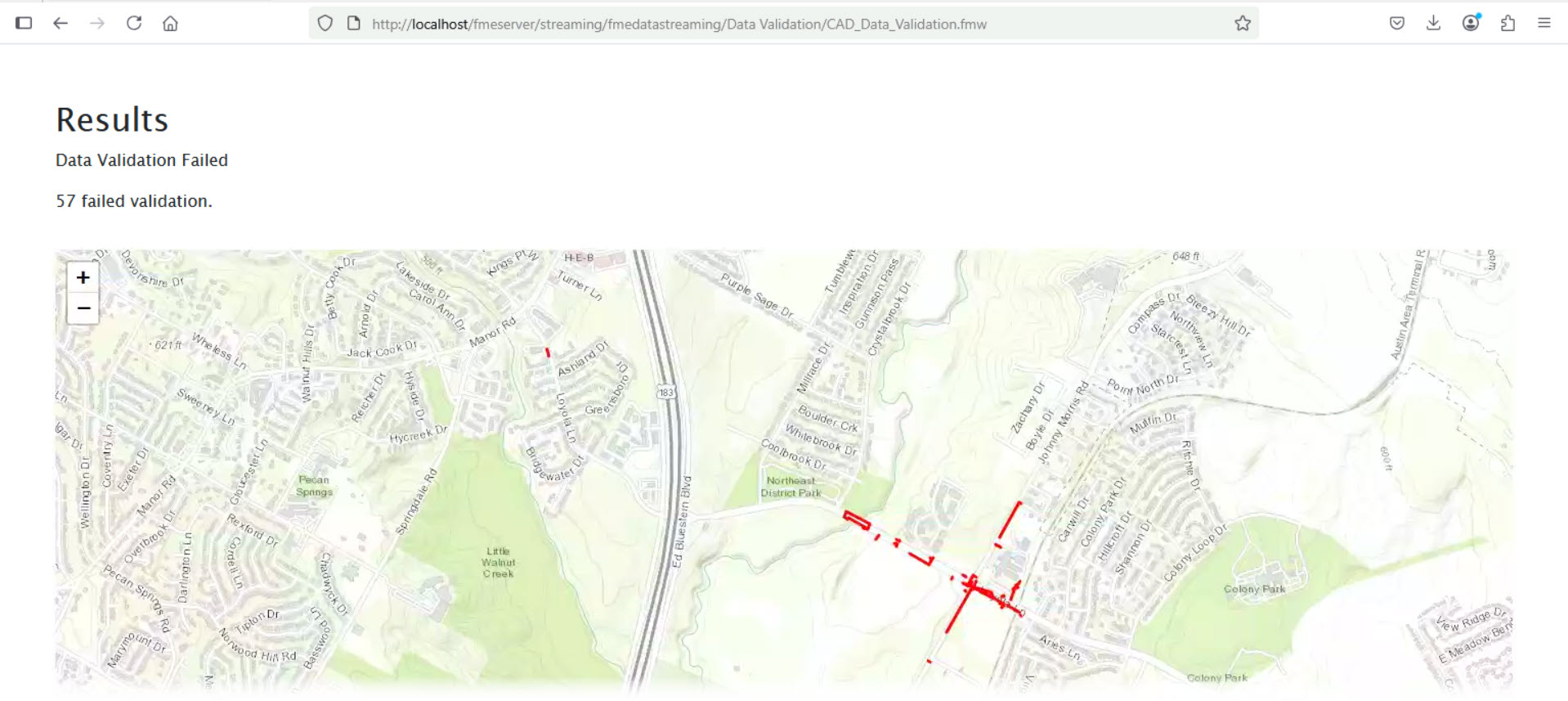
The Data Streaming service is similar to the Data Download service in that FME Flow doesn't write the data to the locations specified in the writers by default. Instead, FME Flow immediately streams the data back to you in the browser. Only some formats are compatible with the Data Streaming service, including HTML, PNG, KML, GeoRSS, GeoJSON, PDF, and more. If your output format is not compatible or the workspace produces multiple outputs, FME Flow will package the data into a zipped file and immediately download it instead.

The Data Download and Data Streaming services benefit FME Flow workspace apps by letting you access output data immediately without navigating to the destination data storage location. With workspace apps, these services complete self-serve workflows by letting users access data by downloading it or streaming it in the browser.
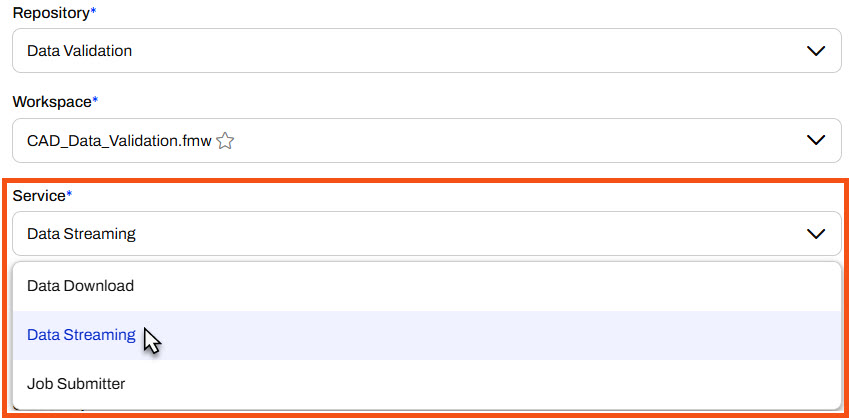
When you create a workspace app, you must select the service you would like to use to run your workspace. While you may register a workspace with multiple services, a workspace can only run using one service at a time, and each app can only use one service at a time. For example, you may register your workspace with both the Job Submitter and Data Download services; however, when creating your app, you must select either the Job Submitter or Data Download service to run the workspace. Each time the app runs the workspace, it uses that transformation service. You can edit the app and change the service, but it can run with only one service at a time.
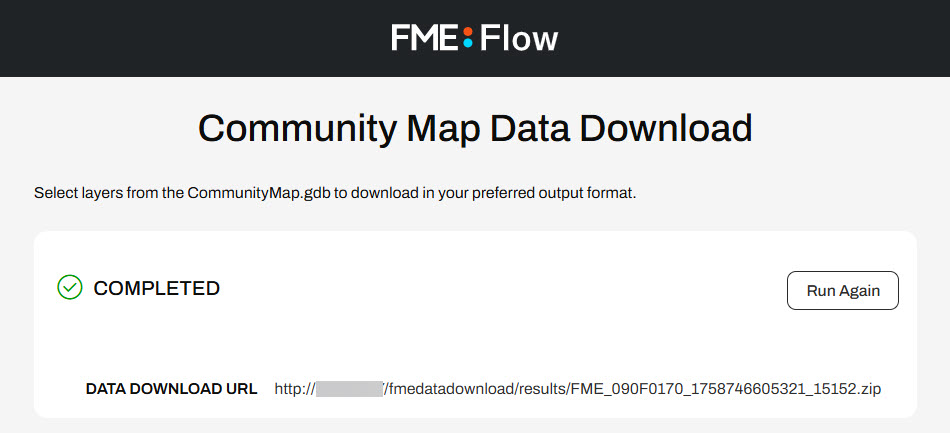
When you run a workspace app, FME Flow presents the Data Download and Data Streaming outputs to you in the same way as running a workspace manually on FME Flow. There's no difference in output when using an app; it simply presents the output to you on the app browser page.
The content used in this lesson builds on the previous lesson. To do this exercise, please complete the exercise in Run Workspaces through Apps.

Jennifer continues working with her CAD Data Validation app. In this workflow, it's slightly inconvenient for end users to find and open the HTML report to get the validation results. She wants the app to hand the results back directly, so she needs a different transformation service.
In this exercise, you will:
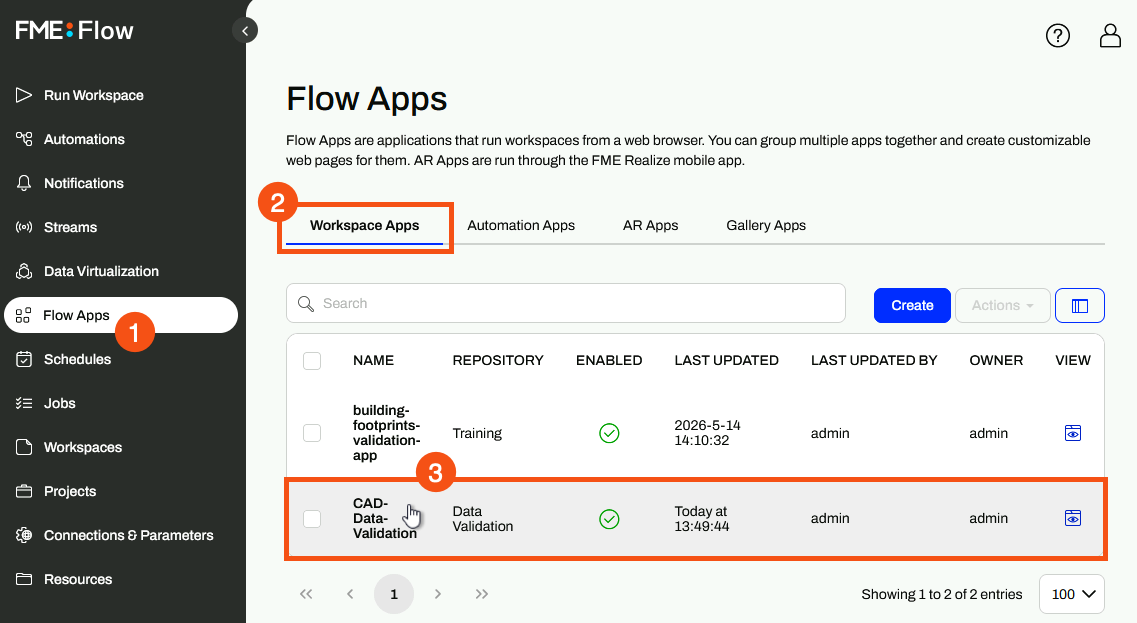

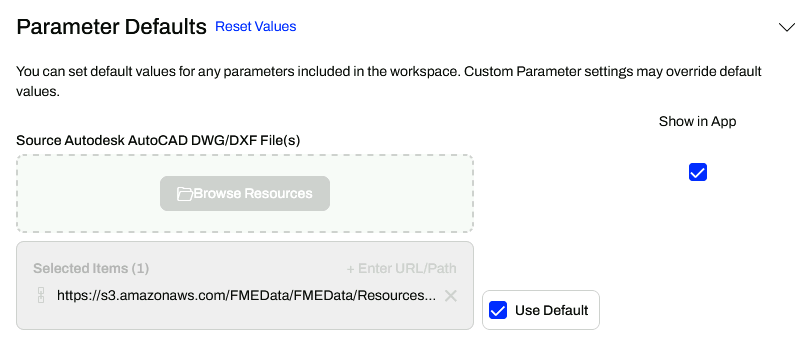

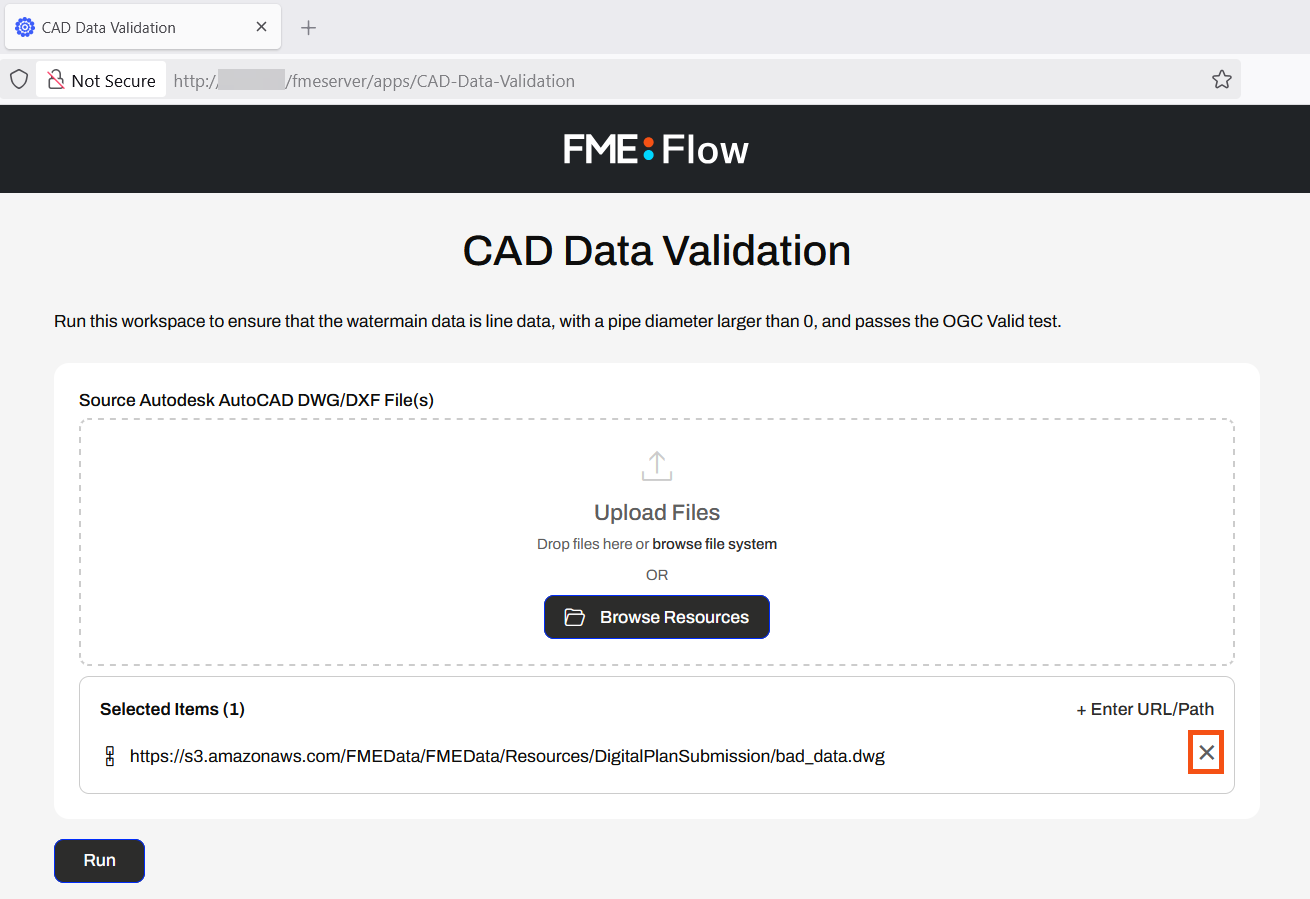
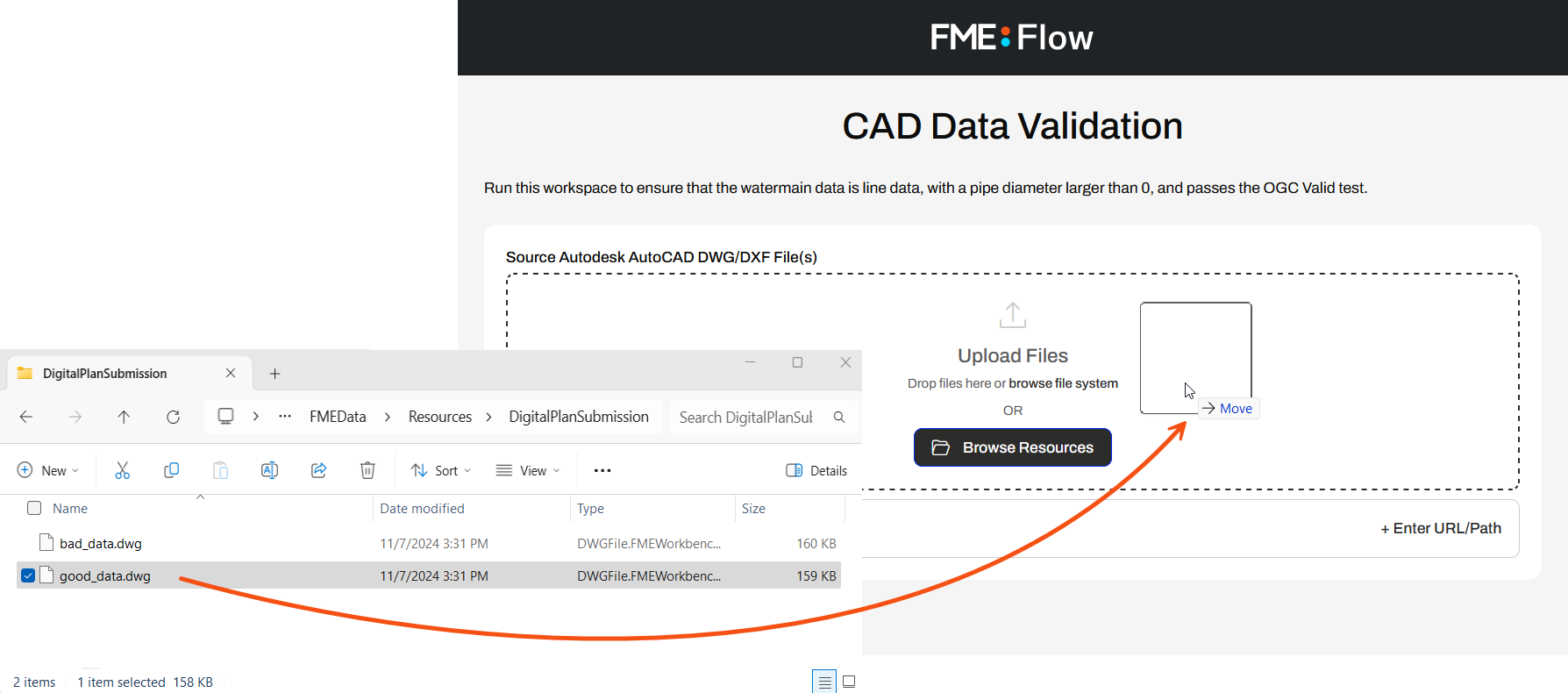
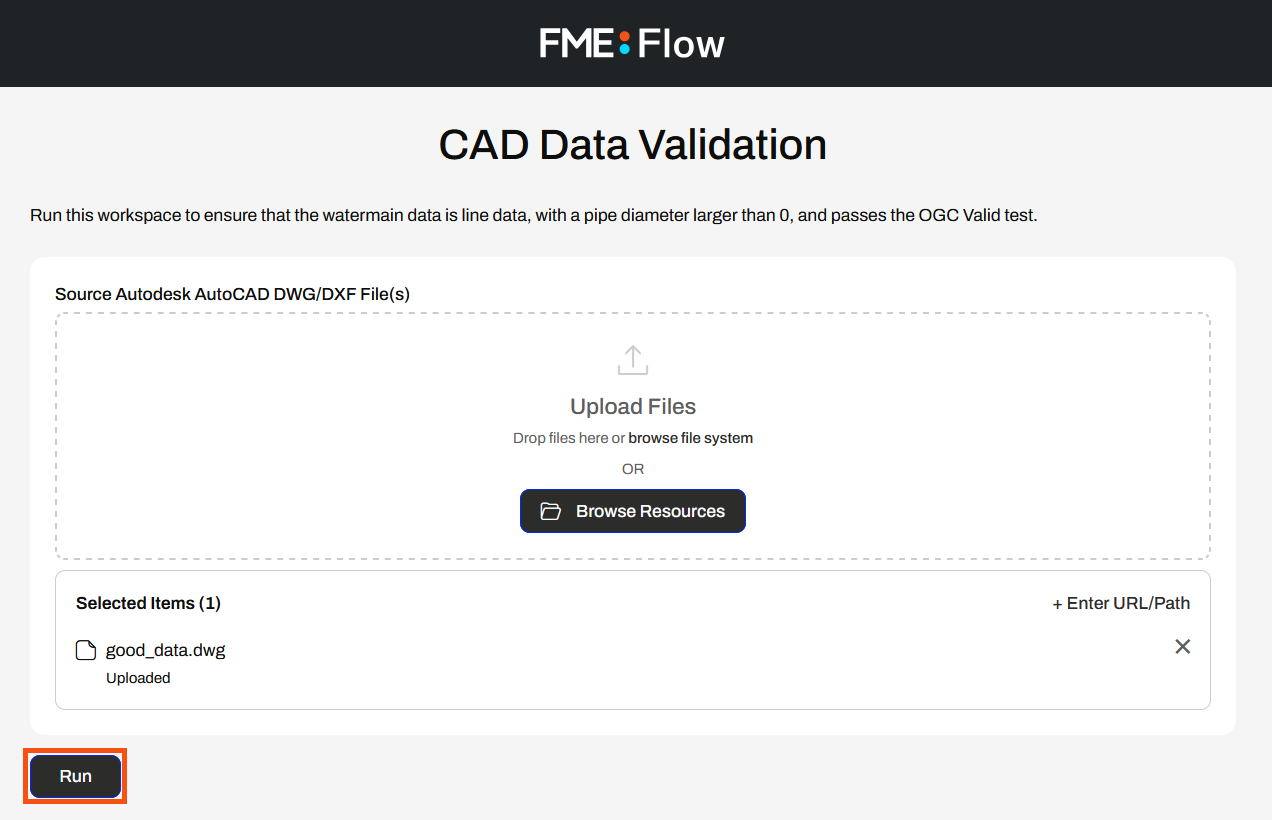
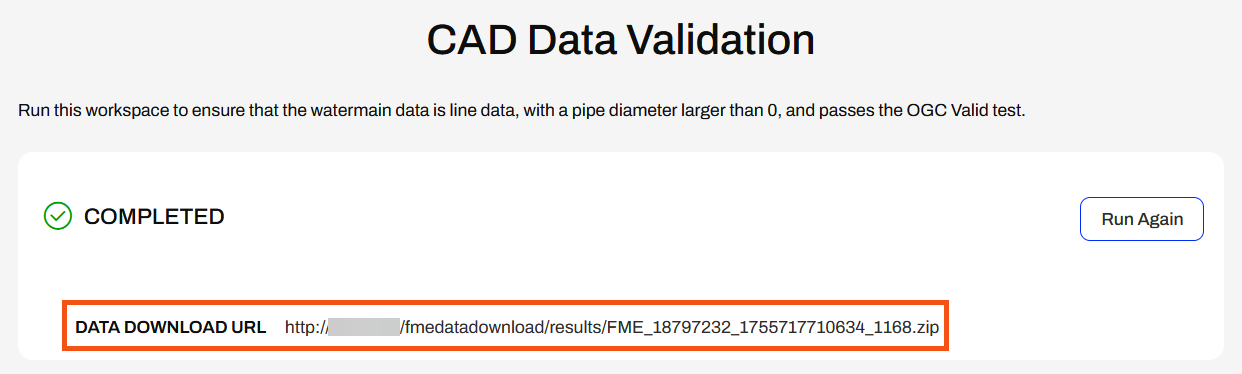
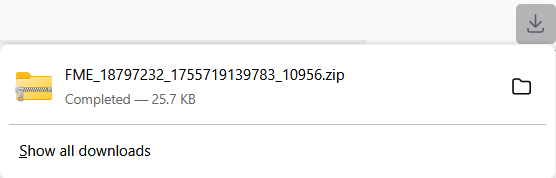

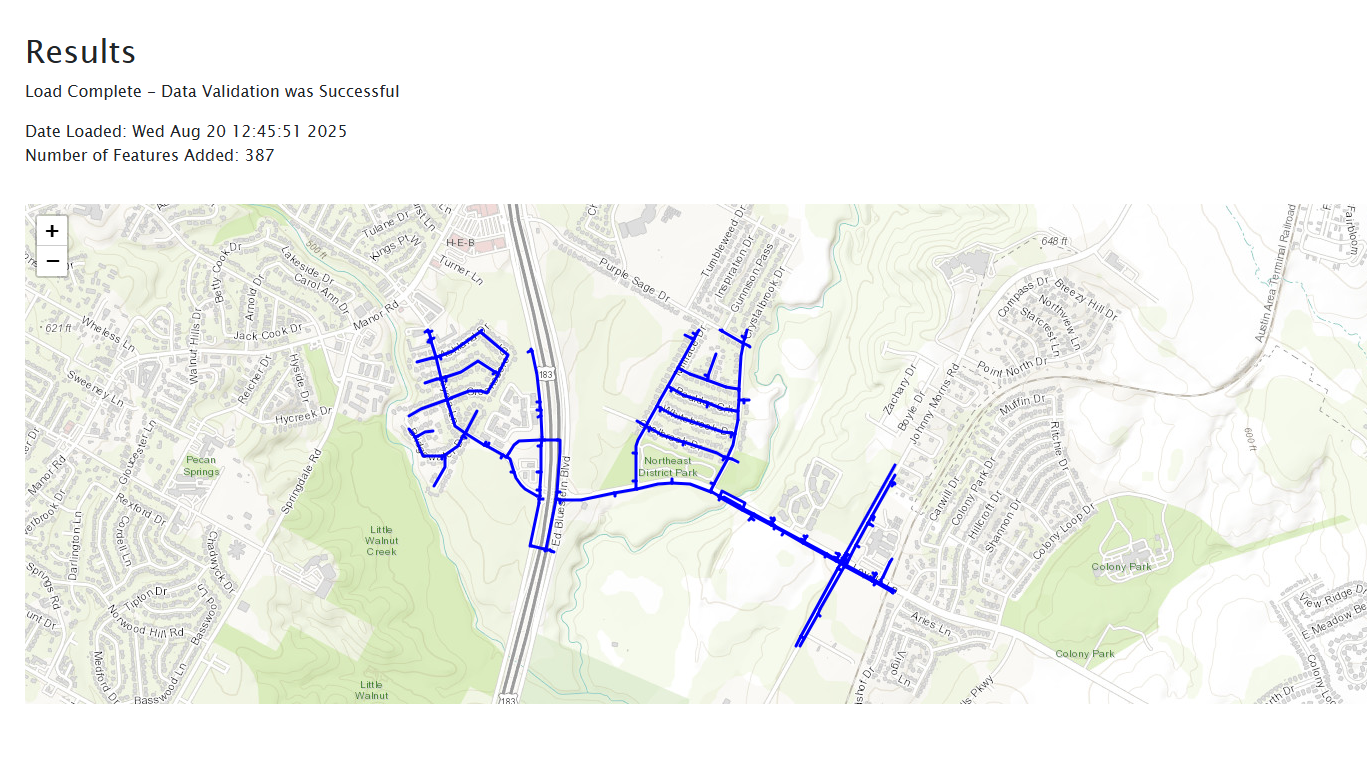
Data Download is convenient, but it still asks the app user to download and extract a file. Data Streaming removes those steps by returning the report straight to the browser.

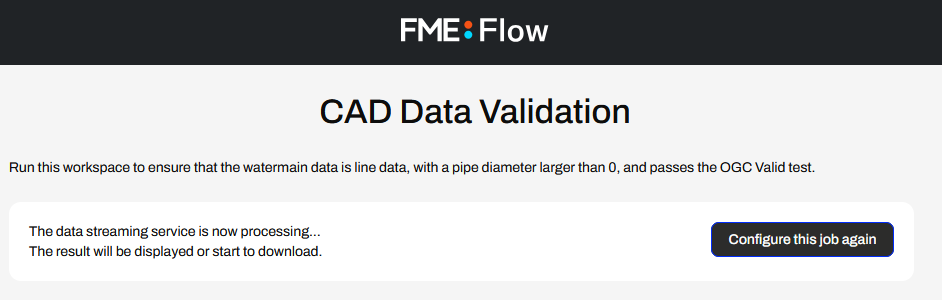
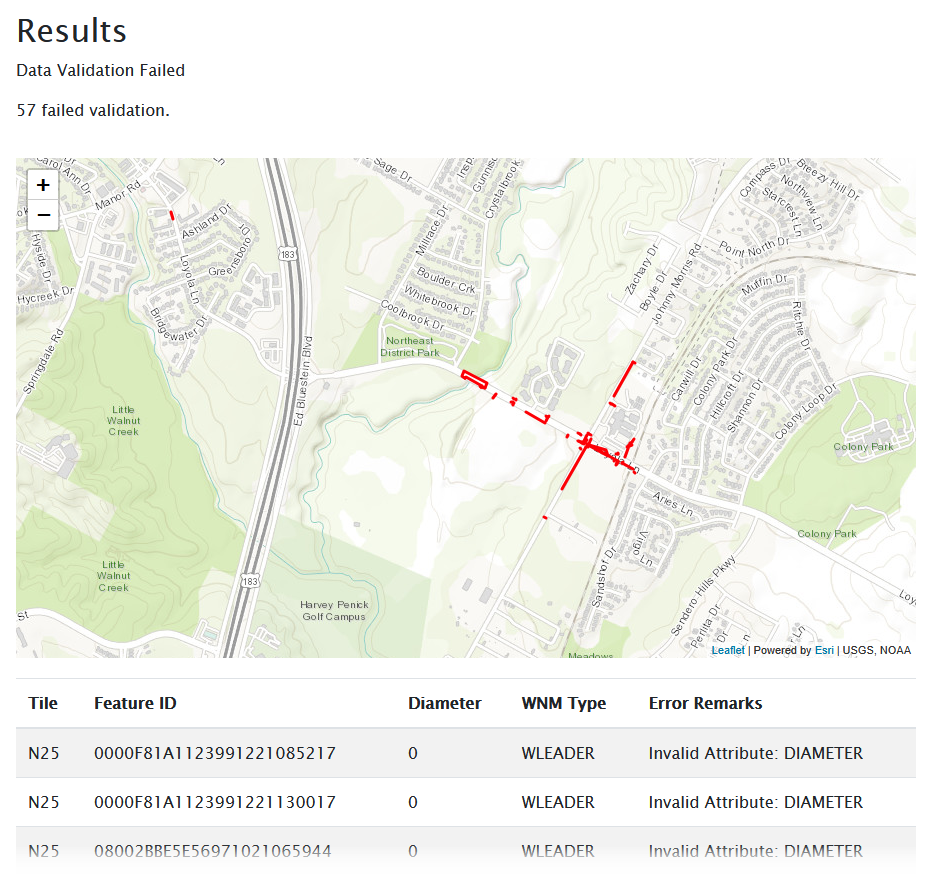
The Data Streaming service best suits Jennifer's workflow, as it eliminates the need for users to navigate to and open the HTML report, returning validation results directly to the app.
If you're taking a live Safe Software-hosted training course or using an on-demand lab for this course, we've already imported the content for this lesson into your FME Flow.
If you're completing this lesson with your own FME Flow, you must import the starting project with the content into your FME Flow.
See FME Flow Authoring: Instructions to Import the Starting Project for directions to import the project to your own FME Flow.
When you publish a workspace to FME Flow, the publishing wizard prompts you to register your workspace with a service. Then you must select a service to use when your workspace runs on FME Flow. For a workspace to run on FME Flow, you must register it with one of the FME Flow services; otherwise, the FME Engine will not know how to carry out your translation.
The most common services are Job Submitter, Data Download, and Data Streaming, all of which are transformation services. Transformation services control how FME transforms and presents your output data when you run your workspace on FME Flow.
To change the services a workspace is registered with, you may publish the workspace from FME Form to FME Flow again or edit the services from the repository in Workspaces. For training on editing a workspace's registered services, see Deploy Workspaces on FME Flow or our documentation on Transformation Services.
The Job Submitter transformation service is most similar to running your workspaces on FME Workbench. The FME Engines execute the translation and write the data to the locations specified in the workspace's writers. When the translation is complete, FME Flow displays a status and the number of features written.
FME Flow's Data Download service packages the output data into a zipped folder and presents it to the user running the workspace as a downloadable URL. You click the URL link, and the zipped file downloads. From there, you extract the folder and access the data. If you register a writer with the Data Download service, it will not write the data to the location specified in the writer; instead, it will package the data into a zipped file by default. It is possible to configure your workspace writers to write the data and also package it into a zip folder, with duplicate writers and only one included in the Data Download service.
The Data Streaming service is similar to the Data Download service in that FME Flow doesn't write the data to the locations specified in the writers by default. Instead, FME Flow immediately streams the data back to you in the browser. Only some formats are compatible with the Data Streaming service, including HTML, PNG, KML, GeoRSS, GeoJSON, PDF, and more. If your output format is not compatible or the workspace produces multiple outputs, FME Flow will package the data into a zipped file and immediately download it instead.
The Data Download and Data Streaming services benefit FME Flow workspace apps by letting you access output data immediately without navigating to the destination data storage location. With workspace apps, these services complete self-serve workflows by letting users access data by downloading it or streaming it in the browser.
When you create a workspace app, you must select the service you would like to use to run your workspace. While you may register a workspace with multiple services, a workspace can only run using one service at a time, and each app can only use one service at a time. For example, you may register your workspace with both the Job Submitter and Data Download services; however, when creating your app, you must select either the Job Submitter or Data Download service to run the workspace. Each time the app runs the workspace, it uses that transformation service. You can edit the app and change the service, but it can run with only one service at a time.
When you run a workspace app, FME Flow presents the Data Download and Data Streaming outputs to you in the same way as running a workspace manually on FME Flow. There's no difference in output when using an app; it simply presents the output to you on the app browser page.
The content used in this lesson builds on the previous lesson. To do this exercise, please complete the exercise in Run Workspaces through Apps.
Jennifer continues working with her CAD Data Validation app. In this workflow, it's slightly inconvenient for end users to find and open the HTML report to get the validation results. She wants the app to hand the results back directly, so she needs a different transformation service.
In this exercise, you will:
Data Download is convenient, but it still asks the app user to download and extract a file. Data Streaming removes those steps by returning the report straight to the browser.
The Data Streaming service best suits Jennifer's workflow, as it eliminates the need for users to navigate to and open the HTML report, returning validation results directly to the app.
